
Net Skip
A humane web browser


Screenshots
iPhone
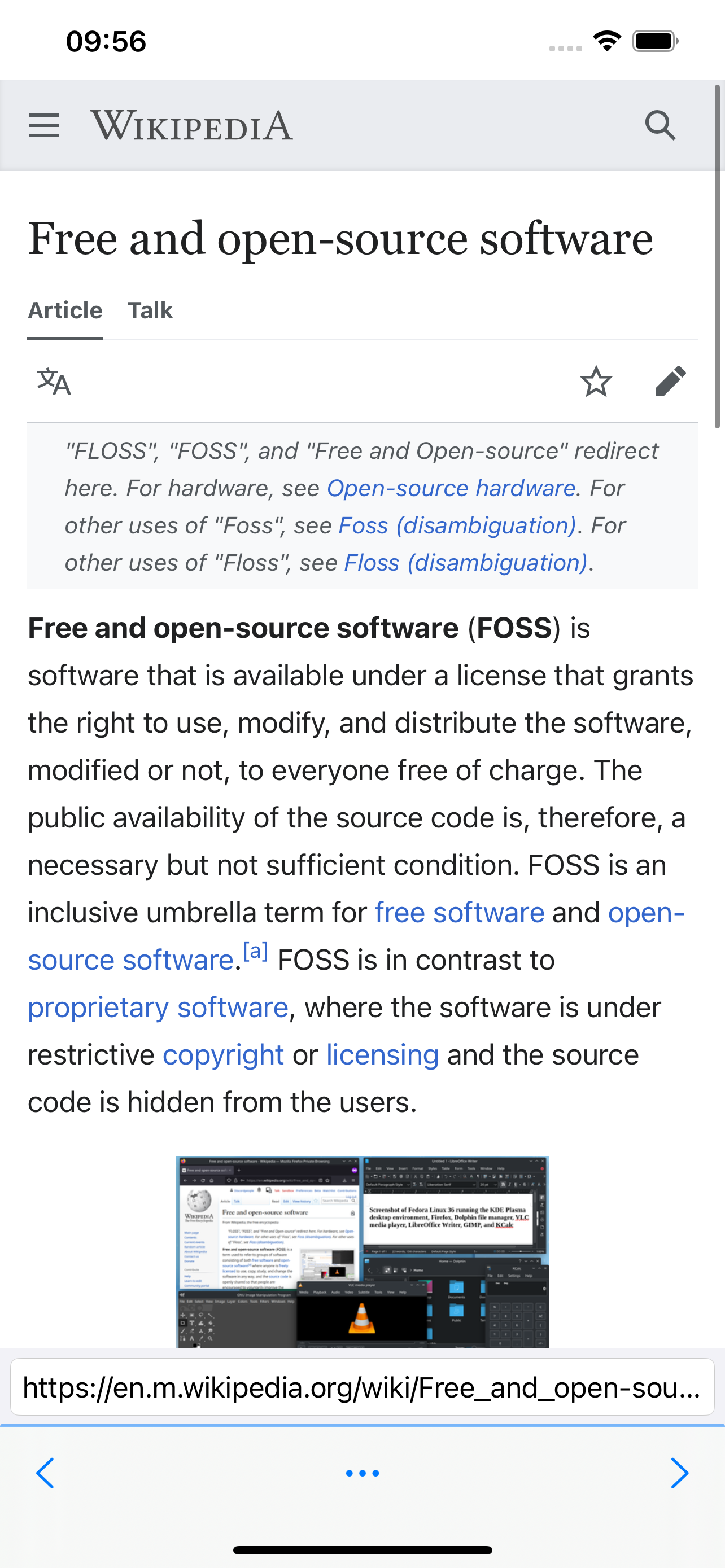
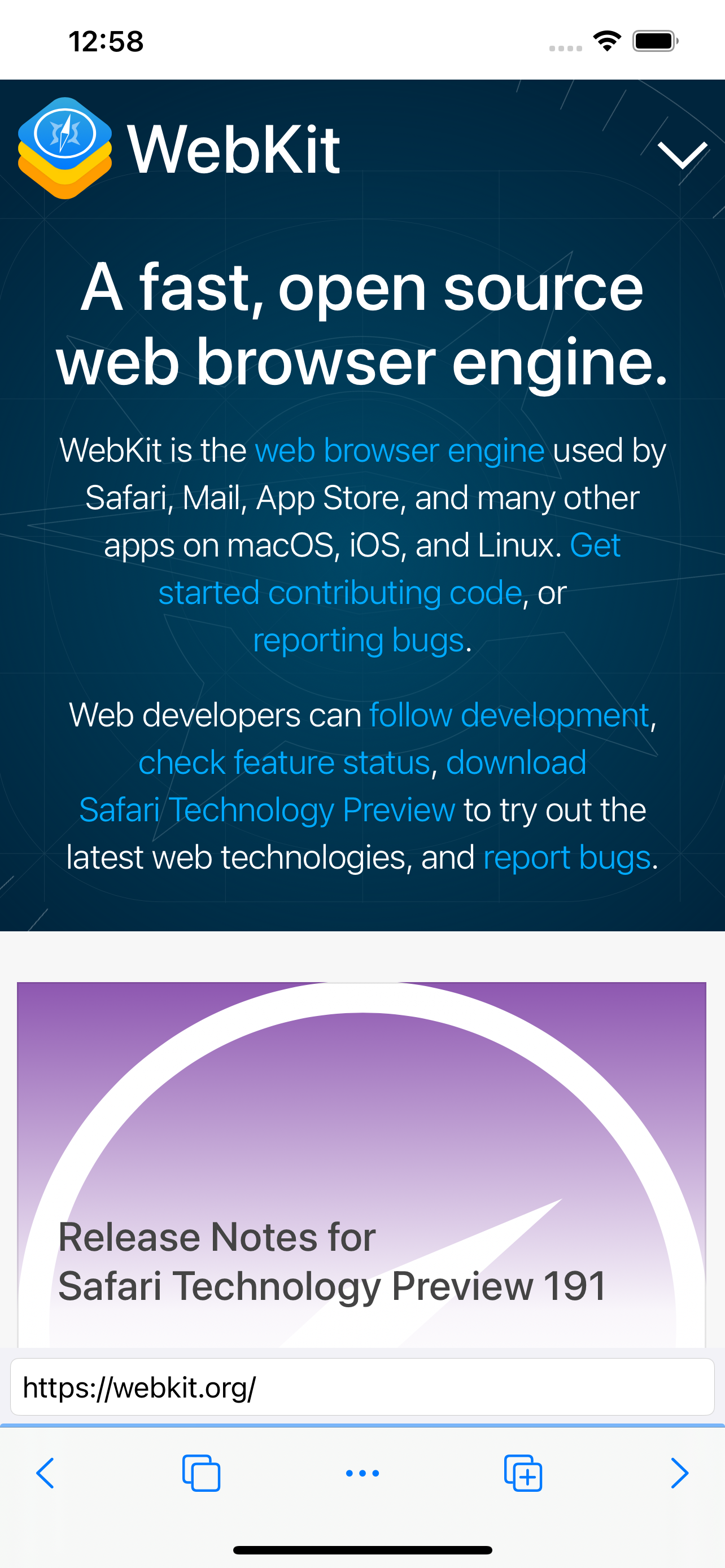

About
Release notes (1.5.5)
Permissions
iPhone
-
Calendar
highNet Skip needs access to your calendar so that websites you visit can add events such as bookings, reservations, and meeting invitations when you grant them permission.
Key: NSCalendarsUsageDescription
-
Camera
highNet Skip needs access to your camera so that websites you visit can use it for video calls, scanning QR codes, and capturing photos when you grant them permission.
Key: NSCameraUsageDescription
-
Contacts
highNet Skip needs access to your contacts so that you can quickly autofill names, email addresses, and phone numbers into web forms.
Key: NSContactsUsageDescription
-
Face ID
highNet Skip uses Face ID to unlock private browsing sessions and to securely autofill saved passwords when signing in to websites.
Key: NSFaceIDUsageDescription
-
Location (in use)
highNet Skip uses your location to provide location-aware features to websites you visit, such as maps, local search results, and weather information when you grant them permission.
Key: NSLocationWhenInUseUsageDescription
-
Microphone
highNet Skip needs access to your microphone so that websites you visit can use it for voice and video calls, voice search, and recording audio when you grant them permission.
Key: NSMicrophoneUsageDescription
-
Motion & fitness
mediumNet Skip uses motion and orientation data so that websites you visit can offer interactive experiences that respond to how you move and tilt your device when you grant them permission.
Key: NSMotionUsageDescription
-
Nearby interaction
mediumNet Skip uses nearby interaction so that you can securely share open tabs and links with other Apple devices that are physically close to yours.
Key: NSNearbyInteractionUsageDescription
-
Reminders
mediumNet Skip needs access to your reminders so that you can create tasks from web pages and so that websites can add reminders when you grant them permission.
Key: NSRemindersUsageDescription
-
Siri
mediumNet Skip integrates with Siri so that you can open web pages, perform searches, and resume browsing using voice shortcuts and Siri Suggestions.
Key: NSSiriUsageDescription
-
Speech recognition
mediumNet Skip uses speech recognition so that you can dictate URLs, search queries, and form input by voice instead of typing.
Key: NSSpeechRecognitionUsageDescription
Screenshots
Android
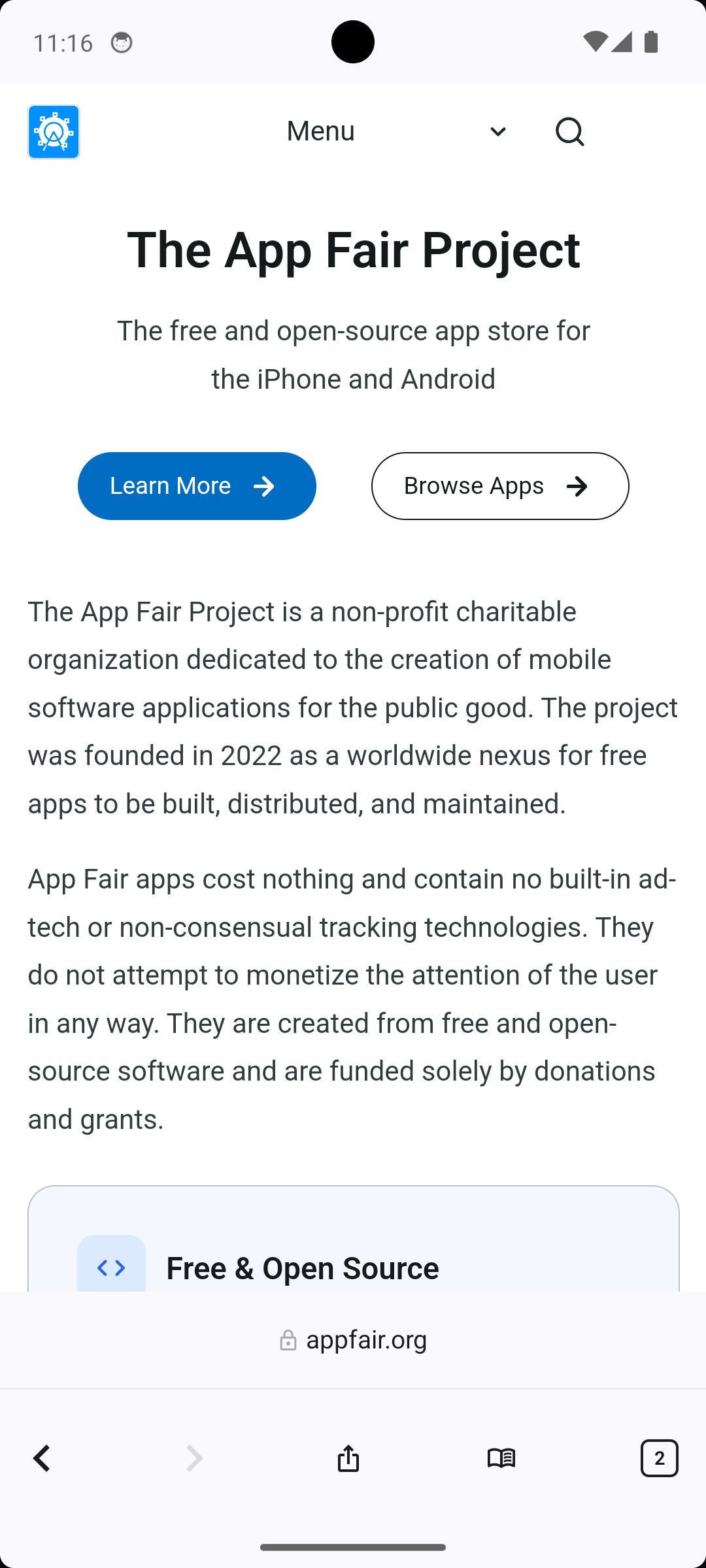
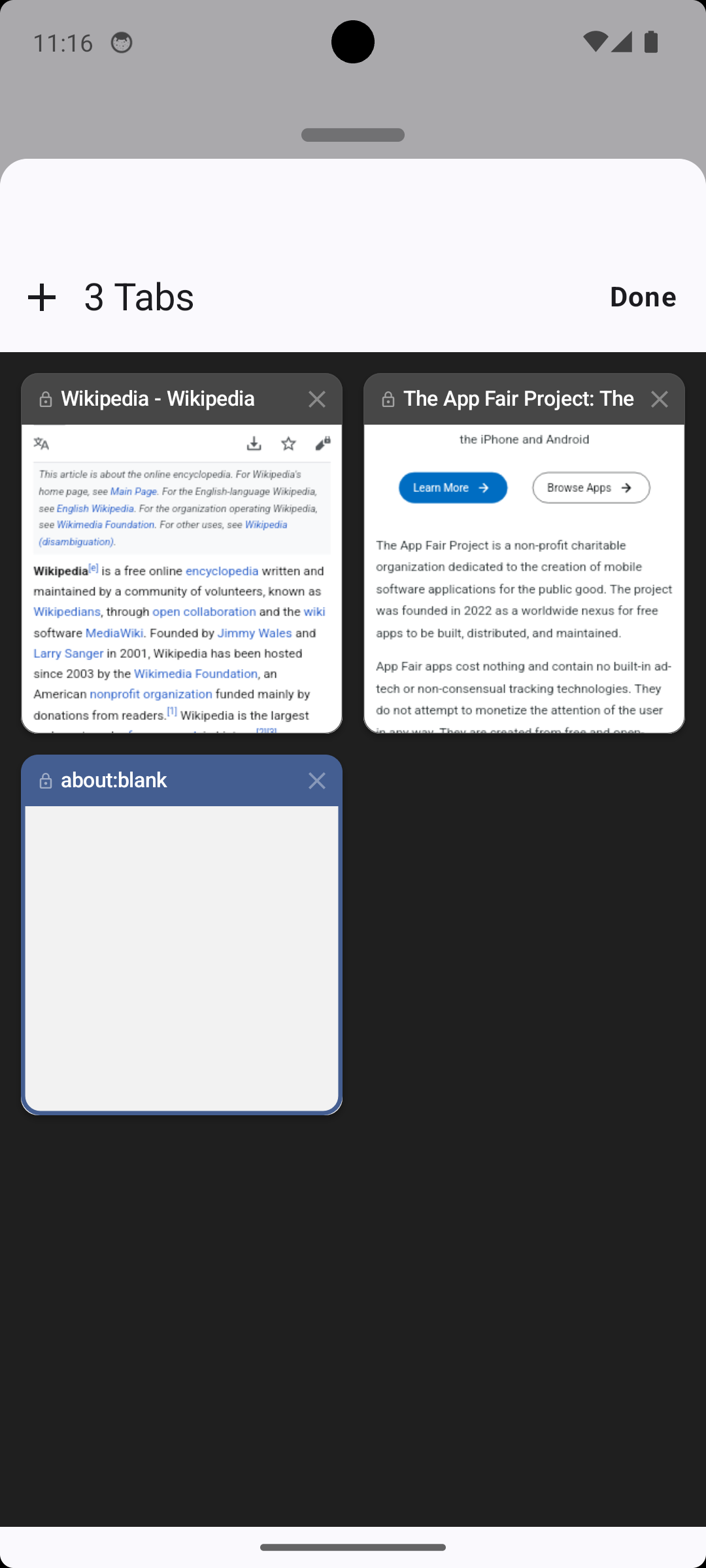
About
Release notes (1.5.5)
Permissions
Android
-
Background location
highAccesses your location while the app is in the background.
Key: android.permission.ACCESS_BACKGROUND_LOCATION
-
Biometrics
highAuthenticates with biometrics such as face or fingerprint.
Key: android.permission.USE_BIOMETRIC
-
Camera
highTakes pictures and records video.
Key: android.permission.CAMERA
-
Display over apps
highDisplays content on top of other apps.
Key: android.permission.SYSTEM_ALERT_WINDOW
-
Fingerprint
highAuthenticates with a fingerprint sensor.
Key: android.permission.USE_FINGERPRINT
-
Manage accounts
highAdds or removes accounts on the device.
Key: android.permission.MANAGE_ACCOUNTS
-
Microphone
highRecords audio from the microphone.
Key: android.permission.RECORD_AUDIO
-
Read contacts
highReads your contacts.
Key: android.permission.READ_CONTACTS
-
Read profile
highReads the user’s profile data.
Key: android.permission.READ_PROFILE
-
Write contacts
highModifies your contacts.
Key: android.permission.WRITE_CONTACTS
-
Write storage
highWrites files to shared external storage.
Key: android.permission.WRITE_EXTERNAL_STORAGE
-
Accounts
mediumReads the list of accounts on the device.
Key: android.permission.GET_ACCOUNTS
-
Authenticate accounts
mediumActs as an authenticator for accounts on the device.
Key: android.permission.AUTHENTICATE_ACCOUNTS
-
Bluetooth
mediumConnects to paired Bluetooth devices.
Key: android.permission.BLUETOOTH
-
Bluetooth connect
mediumConnects to nearby Bluetooth devices.
Key: android.permission.BLUETOOTH_CONNECT
-
Manage own calls
mediumProvides an in-app calling experience that integrates with the system.
Key: android.permission.MANAGE_OWN_CALLS
-
Modify sync settings
mediumModifies the sync settings of accounts.
Key: android.permission.WRITE_SYNC_SETTINGS
-
Phone number
mediumReads the device’s phone number(s).
Key: android.permission.READ_PHONE_NUMBERS
-
Phone state
mediumReads the device’s phone state, including signal and call status.
Key: android.permission.READ_PHONE_STATE
-
Read audio
mediumReads audio files from shared storage.
Key: android.permission.READ_MEDIA_AUDIO
-
Read storage
mediumReads files from shared external storage.
Key: android.permission.READ_EXTERNAL_STORAGE
-
Run at startup
mediumRuns automatically when the device finishes booting.
Key: android.permission.RECEIVE_BOOT_COMPLETED
-
Audio settings
lowChanges audio settings such as volume and routing.
Key: android.permission.MODIFY_AUDIO_SETTINGS
-
Badge count read
lowUsed by the app on this platform.
Key: me.everything.badger.permission.BADGE_COUNT_READ
-
Badge count write
lowUsed by the app on this platform.
Key: me.everything.badger.permission.BADGE_COUNT_WRITE
-
Create shortcuts
lowAdds shortcuts to the home screen without user confirmation.
Key: android.permission.INSTALL_SHORTCUT
-
Notifications
lowShows notifications.
Key: android.permission.POST_NOTIFICATIONS
-
Read app badges
lowUsed by the app on this platform.
Key: android.permission.READ_APP_BADGE
-
Read clipboard
lowUsed by the app on this platform.
Key: android.permission.READ_CLIPBOARD
-
Read sync settings
lowReads the sync settings of accounts.
Key: android.permission.READ_SYNC_SETTINGS